Modern & Professional Resume Design: A Guide
Let's be honest: staring at a blank page trying to build a resume is frustrating. You know you have the skills and experience, but translating that onto paper in a way that looks sharp and gets you noticed feels like a separate, difficult job. If your current resume is from the last decade, you're likely working with outdated expectations. The good news is that a great, modern resume is absolutely attainable, and it doesn't require you to become a graphic designer overnight. It's about having the right tools and a clear direction.
More Than a Template: A Complete Career Toolkit
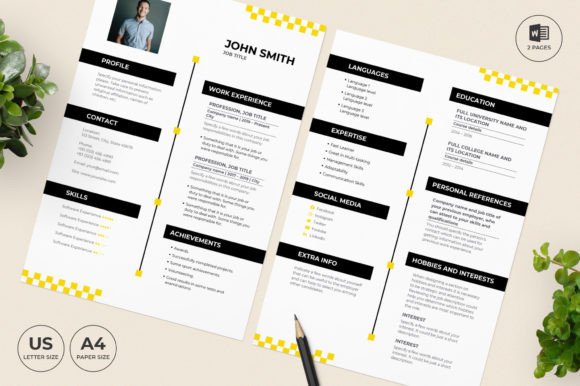
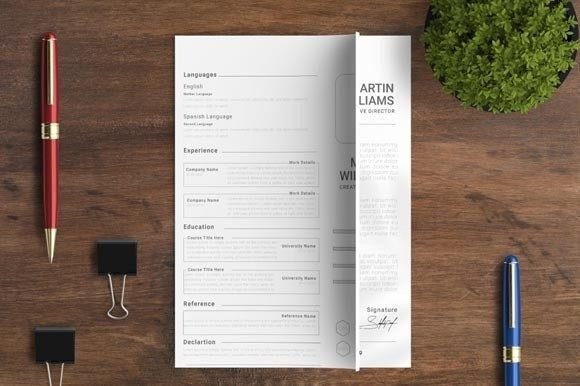
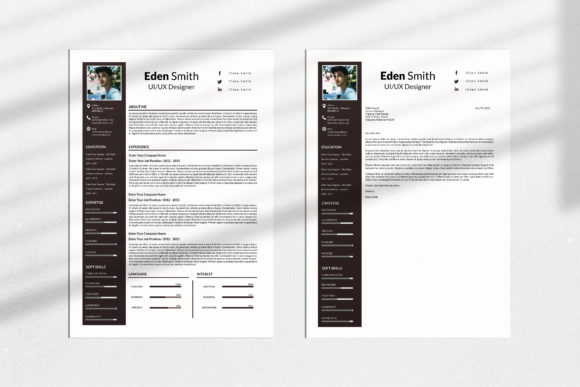
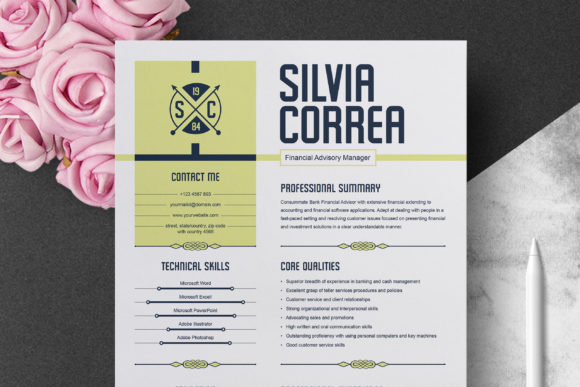
Think of this not as a single file, but as a comprehensive design asset package built for real-world use. At its core is a Modern & Professional Resume Design that balances clean aesthetics with serious functionality. The visual personality is confident and contemporary—using smart typography, strategic white space, and a visual hierarchy that guides the recruiter's eye exactly where it needs to go. It avoids gimmicks, focusing instead on clarity and professionalism that works across industries.
This isn't just a pretty layout. The package includes everything you need for a cohesive application:
- A complete, multi-section resume template.
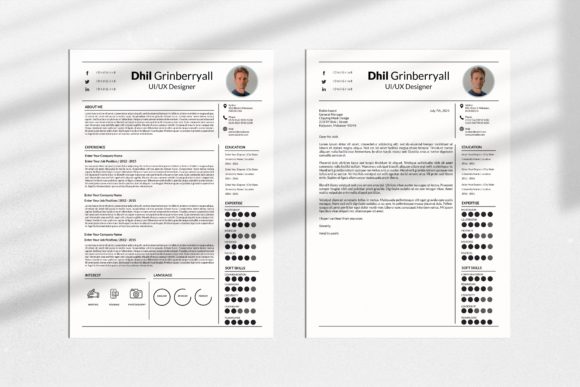
- A matching cover letter template (which can double as a thank-you letter).
- Files for Microsoft Word (.docx), Mac Pages (.pages), Adobe Photoshop (PSD), and Illustrator (EPS).
- A detailed instructions file and links to the free fonts used.
The philosophy is do-it-yourself, but with guardrails. You simply type your information over the placeholder text. The structure and design decisions are already made for you, saving hours of guesswork.
Unmatched Flexibility for Your Unique Brand
A major strength of this system is its adaptability. You are not locked into a single look. The design is fully customizable, which is crucial for aligning it with your personal brand identity. Here’s what you can change:
- Every Single Word: All headings, titles, and body text are editable.
- Any Color: Adjust the color of text, icons, lines, and colored sections to match your personal brand or preference.
- Fonts: Change the font size, color, or swap the entire typeface for one you prefer. The included links point to free, modern fonts that complement the design.
- Sections: Easily add or delete sections to highlight what matters most for your role, whether that's a portfolio link, project highlights, or technical skills.
This level of control means a designer, a marketing manager, and a small business owner can all start from the same foundation and end up with resumes that feel distinctly their own. It influences brand perception by letting you present a consistent, polished image from the first click.
Practical Guidance for a Flawless Result
To get the most out of this premium font and template system, a little preparation goes a long way. First, ensure you have the right software. You'll need a computer (Mac or PC)—this isn't designed for phones. For editing, Microsoft Word or Apple Pages (now free on the App Store) will work for the document files. If you want deeper control using the Photoshop or Illustrator files, you'll need CS5.0 or a newer version.
When choosing your final look, think about your industry. A creative field might allow for a more expressive font pairing or a pop of color, while corporate roles often favor the classic sans serif and serif font combinations for maximum readability. Test your final document by printing it out and viewing it on different screens. Check that the visual hierarchy is clear—your name and contact info should be immediate, followed by your most recent role, and so on. This structured approach to modern typography ensures your experience is communicated effectively, boosting audience engagement from the first glance.
Ultimately, this Modern & Professional Resume Design is about removing the friction between you and a powerful first impression. It provides the professional framework so you can focus on what you do best: telling your career story.